
Does your website have account logins or have e-commerce functionality? If so, you’ll want to ensure it runs on the HTTPS protocol by January 2017.
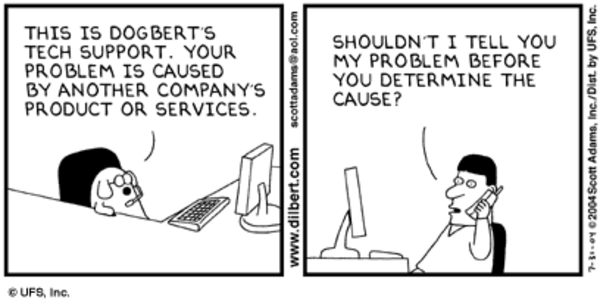
Many people think web development is mainly about code: code in frameworks, code connecting systems, code in different languages. And it’s true, web development is full of code. But it’s also about much more than code; it’s about serving clients.
What makes your web development team a great partner instead of just "those technical people you have to deal with"? Good communication. A solid understanding of your needs. Digital solutions that meet those needs. All of which, ultimately, amounts to good customer service.
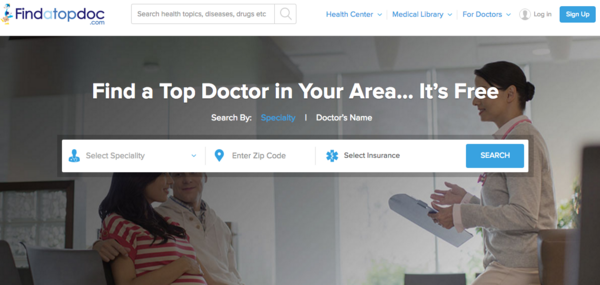
With more than one-third of Americans using Dr. Google to search for medical information online, and one in every 20 Google searches related to health information, there is undoubtedly a need for quality medical content on the internet.

Ensuring your website is accessible to people with visual, auditory, speech, cognitive, and neurological disabilities -- including all of its text, images, video, audio, and even forms and checkboxes -- is good business practice.
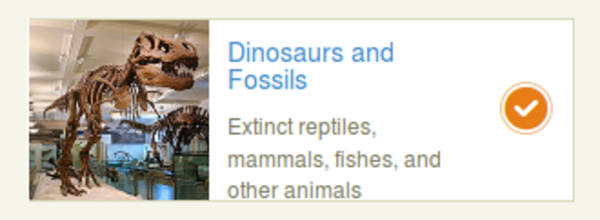
Making your website accessible to people with visual impairments involves ensuring that screen readers effectively communicate all essential information to the user -- including information conveyed in toggle boxes. Here's an example of a toggle box that needs to be made accessible. Let's walk through how it's done.
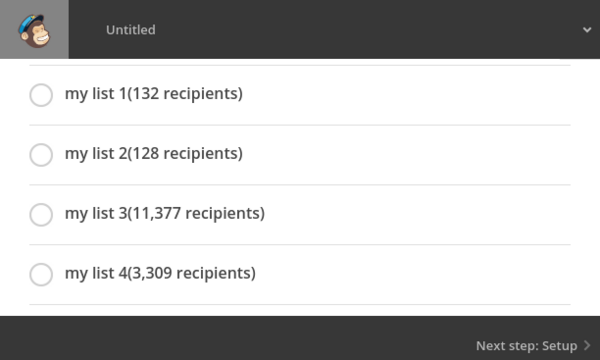
When it comes to creating newsletter campaigns, you have to compile the content and then send that content out through an e-mail marketing service. Having a content management system helps in order to structure your content and automate the creation of the newsletter HTML. Here's an example of a newsletter integration with WordPress and Mailchimp.
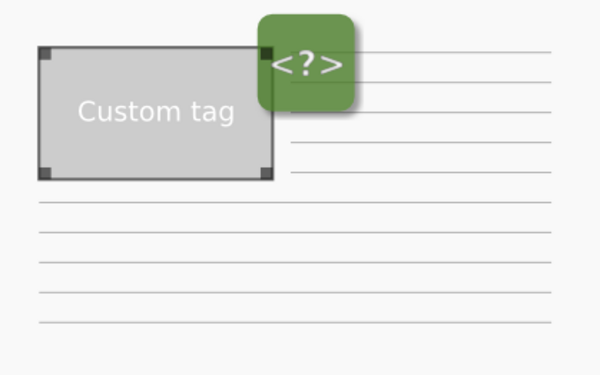
Custom tags are very useful for adding custom functionality to rich text fields beyond simple formatting and embeds. Here is a walkthrough of how to implement custom tags in eZ Publish 5.x compared to an eZ Publish 4.x / legacy install.
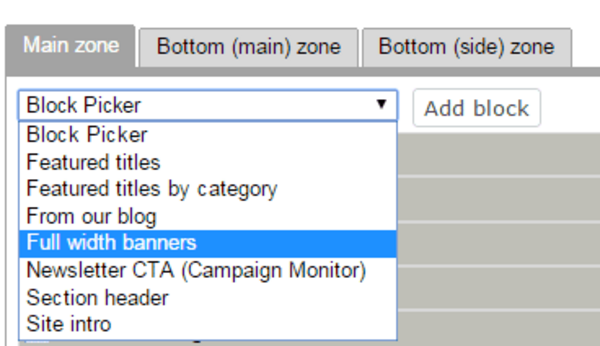
In developing a website platform for book publishers, we wanted to provide fully featured page layouts that publishers can customize. We've built many custom publisher websites, but with ReaderBound it is important to offer ready-to-use widgets as building blocks for editors to organize into their own layouts. By achieving this balance, ReaderBound is a flexible but powerful platform.

When running an intranet or an otherwise password-protected site, you sometimes need to share confidential or sensitive files, specifically PDFs. It is a challenge to balance the confidential nature of the files while allowing privileged users to download and work with the files normally. One lightweight approach is to stamp a watermark onto each page of the PDF. Instead of just a big "confidential" watermark you can customize each download so that each file is stamped with, for example, the current user's name and the current date.

In early 2015, we decided to trade in our downtown Vancouver office for a new Mugo HQ in downtown New Westminster (30 minutes outside of Vancouver)! Although the main motivation behind the move was to have a more central location relative to Mugonites' homes, we've been very pleased with the surrounding area and amenities.

The eZ Publish 5 series has been a successful step forward for eZ Publish with the adoption of the Symfony stack and the ability to run dual kernels with the new and legacy stacks. However, content preview functionality has gone through many fixes through the 5.x version. The final fix comes in eZ Publish 5.4.5, which is very important since eZ Publish 5.4 is a milestone release that will be used as a stepping stone for upgrades through to the 6.x series aka eZ Platform! Here's how to update your code to make your editors happy with proper content preview!
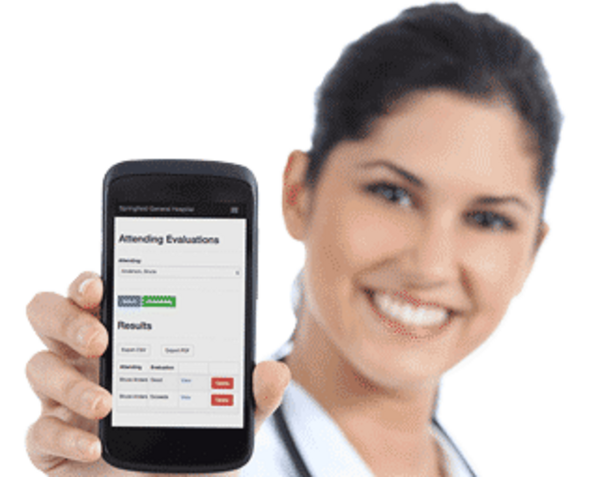
With the Online Daily Evaluations portal, student (or "trainee") doctors and attending doctors can easily evaluate each other after every hospital shift with a customizable online course evaluation form. This ensures that mandatory student evaluations are completed within a CanMEDS compliant and RIME compliant evaluation system, and that students get the most out of the learning experience. In such key environments as emergency medicine and anesthesia departments, doctors and patients can appreciate every bit of efficiency! Here is a brief walkthrough of how Online Daily Evaluations works.
Mugo Web
Unit 205, 332 Columbia Street
New Westminster, BC
V3L 1A6, Canada
Phone: 604-637-6396
E-mail: hi@mugo.ca